Every app gets its own notebook.
Switch apps — AppNote follows. Notes stay tied to where the work happens.

macOS menu-bar app
A quiet overlay that keeps a notebook beside every app. Press your shortcut, capture the thought, keep moving — nothing leaves your Mac.
How it works
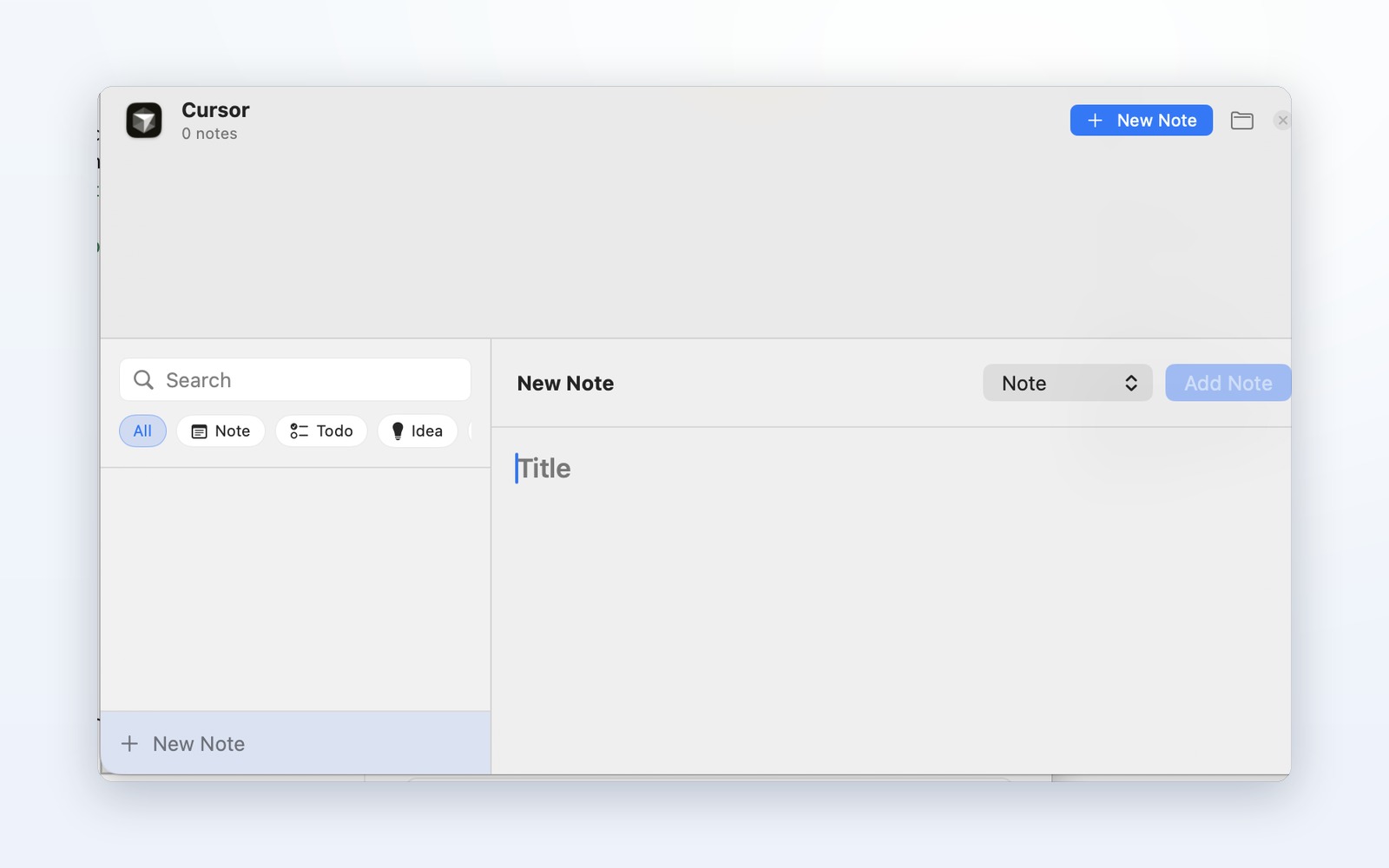
The overlay slides in beside whatever app you're in — no window juggling.
Title it, tag it as a Note, Todo, Idea, Bug, or Reference. Done in seconds.
It's saved to that app's notebook, locally. Switch apps and AppNote follows.
Features
Switch apps — AppNote follows. Notes stay tied to where the work happens.
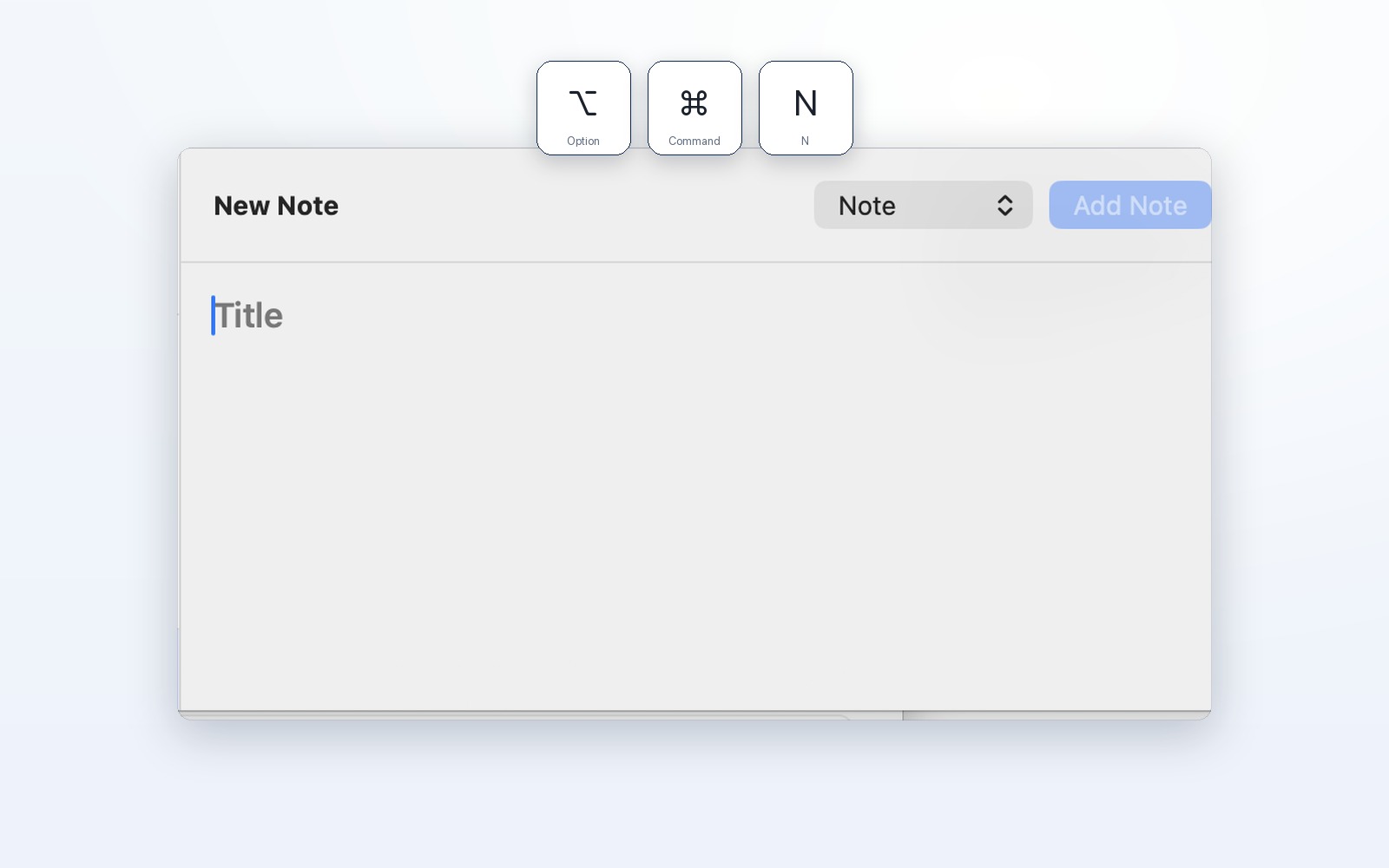
Title it, tag it, done — without leaving your app.
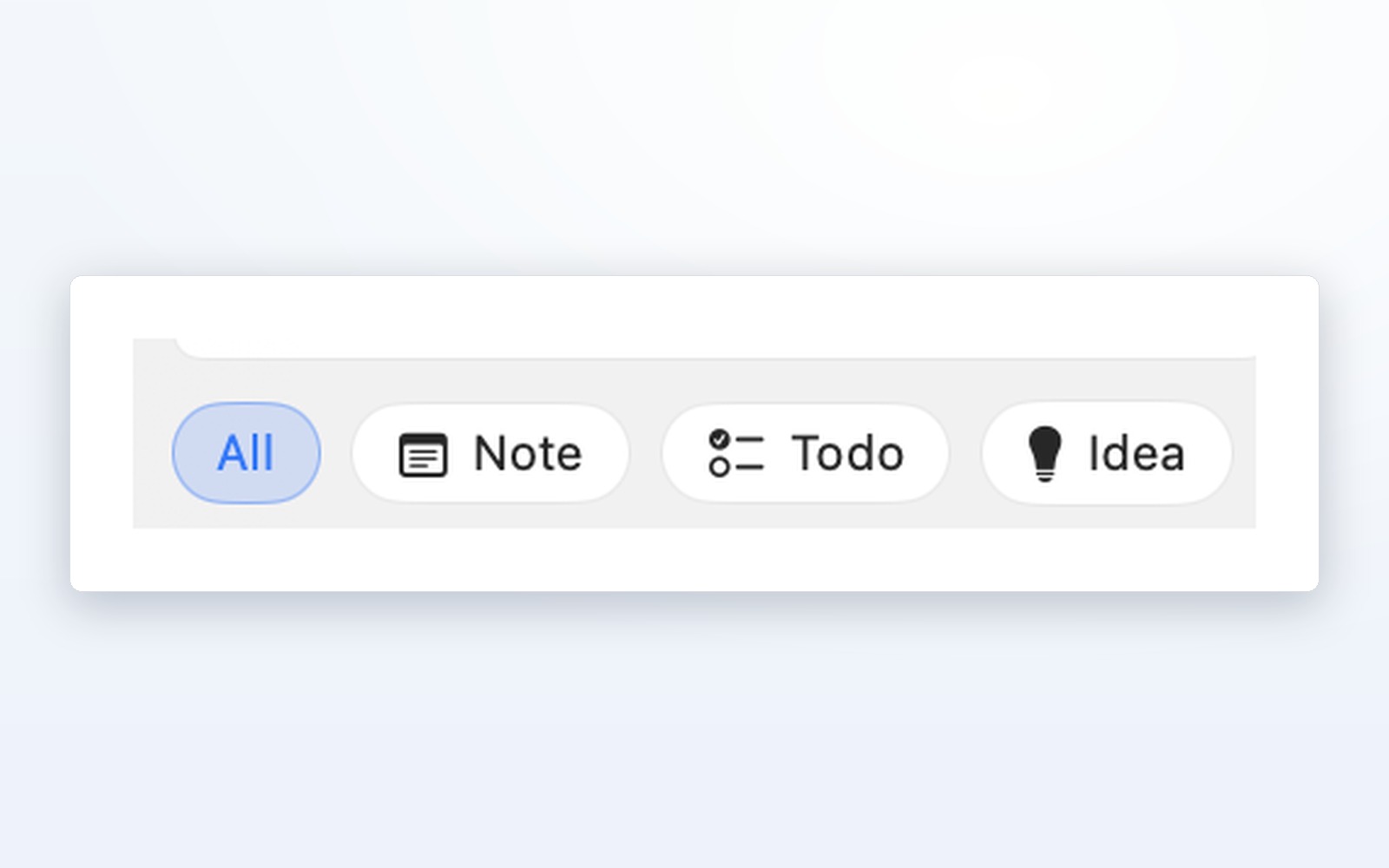
Note, Todo, Idea, Bug, Reference.
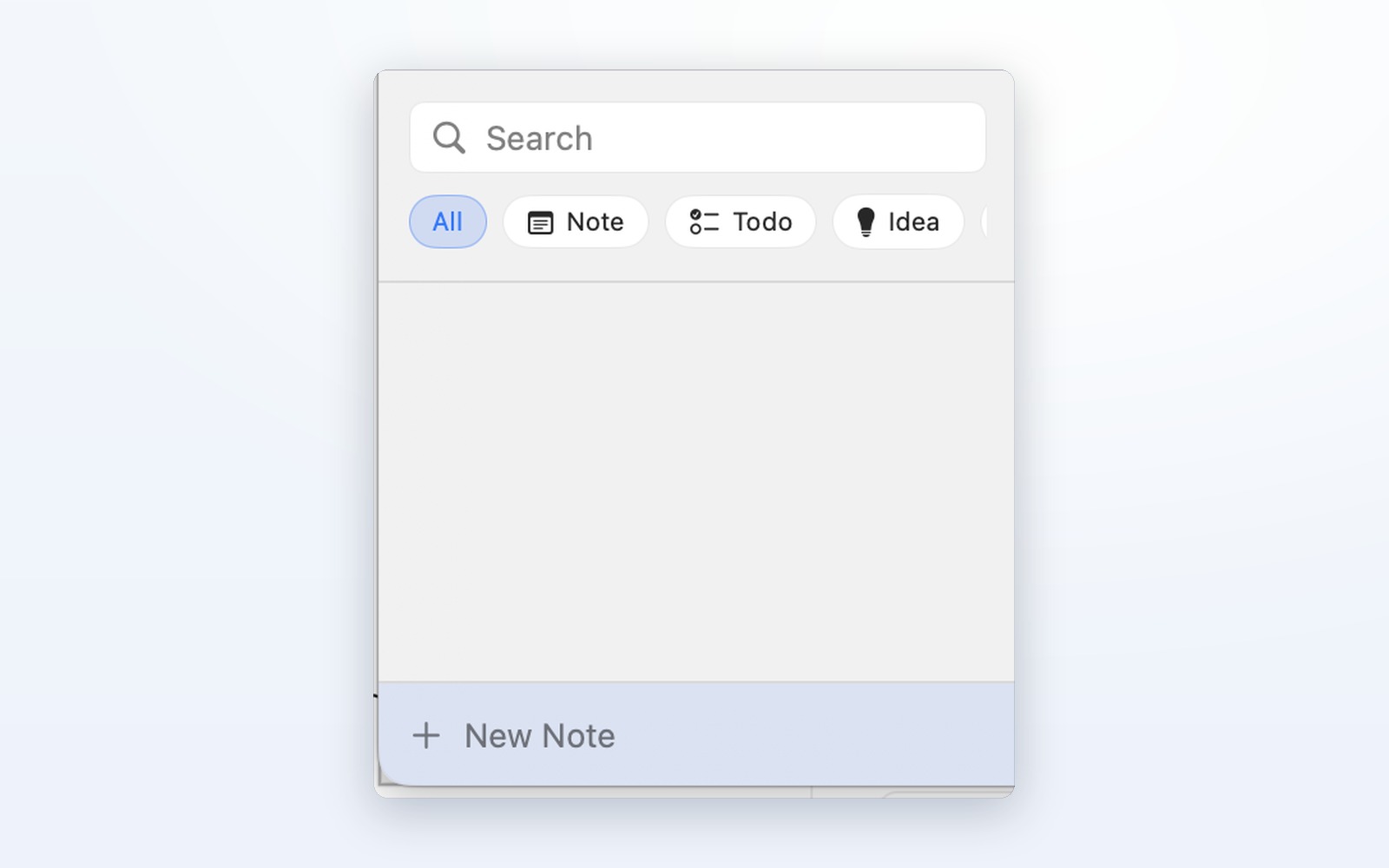
Search across a space and copy a note's body with one click — back to work.
The details

macOS 14 or later · Menu bar · Local notes